
 Arcade Games
 Action Games
 Running Games









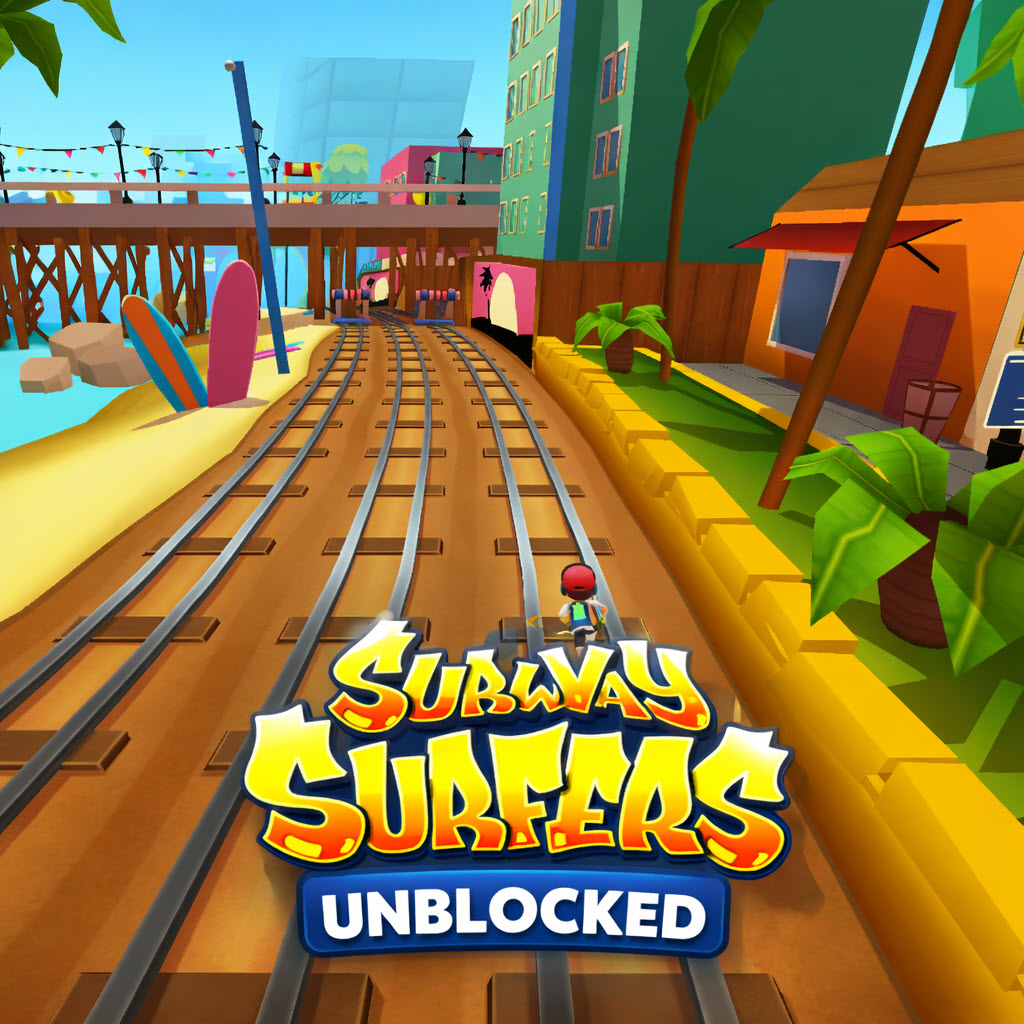
What Is Subway Surfers Web?
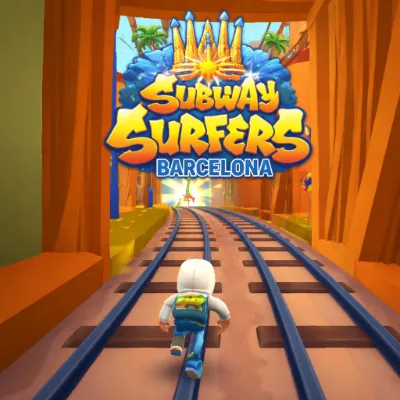
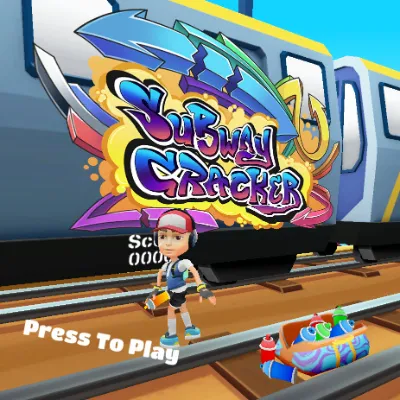
Subway Surfers Web brings the hit mobile endless runner straight to your browser. You play as a young graffiti artist sprinting through subway tunnels, weaving between oncoming trains, and grabbing coins along the way. The inspector and his dog are hot on your heels, so one stumble means getting caught.
The game keeps things simple but tense. You run forward automatically, and your job is to swipe or press keys at the right moment. Trains appear from every direction, barriers block your path, and the speed ramps up the longer you survive. That rising pace turns every near-miss into a small rush.
How to Play
Controls by Platform
| Platform | Move Left | Move Right | Jump | Roll |
|---|---|---|---|---|
| Desktop (keyboard) | Left Arrow / A | Right Arrow / D | Up Arrow / W | Down Arrow / S |
| Mobile (touch) | Swipe left | Swipe right | Swipe up | Swipe down |
Core Mechanics
Your character runs nonstop. You switch lanes, leap over obstacles, or duck under barriers to stay alive. Coins line the tracks and hover in the air — grab them to boost your score and unlock items.
Power-ups spawn randomly on the tracks. The jetpack sends you soaring above everything. The magnet pulls coins toward you. Super sneakers let you jump higher. The multiplier token doubles your score gains for a short window.
Tips for Longer Runs
- Stay in the middle lane when possible. It gives you the most options to dodge left or right.
- Jump early for low-hanging obstacles. The game registers collisions at your feet, so late jumps often fail.
- Save your hoverboard for emergencies. It absorbs one crash and keeps your run alive.
- Watch the track ahead, not your character. Reacting to what's right in front of you is usually too slow.
- Grab mystery boxes when safe. They hold coins, keys, or character tokens.
Why It Works in a Browser
Subway Surfers Web strips away downloads and app stores. You open a tab and start running within seconds. The controls translate cleanly to keyboard inputs, and the visuals stay sharp even on older machines. For anyone who wants a quick burst of arcade action without installing anything, this version fits neatly into a lunch break or a few spare minutes.